QR Codes for Retail Stores and In-Store Marketing
Practical ways retail stores use QR codes for product info, loyalty programs, reviews, and bridging in-store and online experiences.
Retail stores sit at an interesting crossroads. Shoppers walk in holding a device that can access every product review, price comparison, and competitor listing in seconds. Rather than fighting that behavior, smart retailers are using QR codes to lean into it, providing the digital information shoppers want while keeping them engaged in the physical store.
This guide covers practical QR code applications for retail, from straightforward product information to loyalty programs and inventory solutions. No theory, just what actually works.
Product Information and Extended Details
Shelf space is limited. Labels can only hold so much text. QR codes bridge this gap by linking to as much information as you want to share.
How It Works
Place a small QR code on the shelf tag, price label, or product display that links to a detailed product page. This page can include specifications, sizing charts, ingredient lists, how-to videos, user manuals, care instructions, or anything else that does not fit on the physical packaging.
Where This Works Best
Electronics and appliances. Shoppers want to compare specs, read reviews, and watch demo videos before purchasing. A QR code on the shelf tag that links to a comprehensive product page (ideally your own, not the manufacturer's) keeps them looking at your curated information rather than wandering to Amazon.
Clothing and apparel. Link to a sizing guide, fabric care instructions, or styling suggestions. A QR code in the fitting room area linking to a "style this item" page can increase accessory and complementary item sales.
Grocery and specialty food. Shoppers increasingly want to know about sourcing, allergens, nutritional details, and recipes. A QR code next to a product display can link to recipes featuring that ingredient, sourcing stories, or detailed nutritional information.
Home improvement. A QR code on a paint display linking to a visualizer tool, or on a flooring sample linking to installation instructions, helps customers make confident decisions.
Implementation Tips
Keep the QR codes consistent in size and placement across your store. If every shelf tag has a QR code in the same position, shoppers learn to look for it. Inconsistent placement means they never develop the habit.
Use a clear label: "Scan for Details," "Scan for Sizing Guide," or "Scan for Reviews." A bare QR code gets fewer scans than one with a specific prompt.
Customer Reviews and Social Proof
One of the most powerful uses of in-store QR codes is connecting physical browsing with online reviews. Shoppers already check reviews on their phones while in your store. You might as well direct them to the reviews you want them to see.
Directing to Your Own Reviews
If you have reviews on your website, a QR code that links directly to that product's review section keeps the customer on your property. This is significantly better than letting them search Google, where they might end up on a competitor's site.
Collecting Reviews
The flip side is equally valuable. After purchase, a QR code on the receipt, shopping bag, or product packaging that links to a review submission form helps you build your review library. The closer to the purchase experience you ask, the more likely customers are to leave a review.
For feedback collection using forms, see our guide on QR codes for Google Forms.
Loyalty Programs and Rewards
QR codes simplify loyalty program interactions, reducing friction at the point that matters most: sign-up and engagement.
Enrollment
A QR code at the register, on shopping bags, or on in-store signage that links to a loyalty program sign-up form removes the barrier of having customers download an app or ask a cashier for details. Scan, fill out a quick form, done. Compare this to the traditional approach where a cashier asks if the customer wants to join, the customer feels put on the spot, and the whole process slows down the checkout line.
Point Redemption
If your loyalty program uses a points system, a QR code on the customer's phone (from their loyalty account) can be scanned at checkout to apply points. The reverse also works: a QR code at the register that the customer scans to check their point balance and available rewards.
Exclusive Offers
Place QR codes in specific store sections that unlock section-specific offers for loyalty members. A code in the shoe department might offer "10% off footwear today" when scanned by a loyalty member. This creates a treasure hunt dynamic that encourages exploration of the store.
Bridging In-Store and Online Inventory
One of the most frustrating experiences for a shopper is finding a product in-store but not in their size, color, or preferred variation. QR codes can solve this.
"Not Your Size? Scan to Order"
A QR code next to size-limited displays that links to the full online inventory for that product lets customers order the size or color they need for home delivery. You capture the sale instead of losing it because of in-store inventory limitations.
"Ship to Store" Options
For retailers with ship-to-store capabilities, a QR code can link to a page where customers can check availability at other locations or order for pickup at their preferred store.
Product Comparison
For categories where customers compare multiple options (mattresses, appliances, paint colors), a QR code on each option that saves it to a comparison list on your website helps customers make decisions without juggling paper notes or trying to remember model numbers.
Window Displays and After-Hours Shopping
Your store windows are marketing real estate that works even when you are closed.
Window Shopping to Actual Shopping
Place QR codes in window displays that link to product pages for the featured items. A passerby at 9 PM who sees an outfit they like can scan the code, check the price, and either buy online for delivery or save it for a visit during business hours.
Seasonal and Promotional Displays
Window QR codes linking to current sales, seasonal collections, or event information keep your displays interactive. With dynamic QR codes, you can change what the code links to as your promotions change, without replacing the physical sign.
Wayfinding and Store Navigation
Larger retail stores can use QR codes to help customers find what they need.
Department Directories
A QR code at the store entrance linking to an interactive store map or department directory helps customers navigate without hunting for a staff member. This is particularly useful in warehouse-style stores, home improvement stores, or large department stores.
Product Locator
A QR code on shelf end caps that links to a product locator, letting customers search for specific items and see which aisle they are in. This is the physical retail equivalent of a search function.
Events and In-Store Experiences
Retail events, workshops, demos, and pop-ups benefit from QR codes for promotion and information delivery.
Event Registration
Place QR codes on in-store signage promoting upcoming events. The code links to a registration form, making it easy for interested shoppers to sign up immediately while the event is top of mind.
Workshop Materials
If you host workshops (cooking classes, DIY demos, craft sessions), provide materials and instructions via QR code rather than printed handouts. This saves printing costs and lets you update materials easily.
Pop-Up and Vendor Information
When hosting pop-up shops or vendor events, each vendor can have a QR code at their display linking to their full catalog, social media, or online store. This extends the vendor relationship beyond the physical event.
Operational Uses
QR codes are not just customer-facing. They have practical operational applications in retail.
Inventory Management
QR codes on storage bins, stockroom shelves, or shipping containers can link to inventory management systems. Staff scan a code to log receipt of goods, check stock levels, or initiate reorders. This is simpler than barcode scanners for some operations and works with any smartphone.
Staff Training
QR codes on equipment, at workstations, or in break rooms linking to training videos, standard operating procedures, or quick-reference guides give staff instant access to information when they need it. A new employee at the register can scan a QR code for a refresher on the return policy instead of asking a manager.
Compliance and Safety
Display QR codes linking to safety data sheets, fire evacuation plans, or compliance documentation at relevant locations in the store. This ensures the information is always accessible and always current.
Measuring What Works
One of the key advantages of QR codes is measurability. With SmartyTags, every code you create tracks scans automatically.
What to Track
Scan volume by location. If you have QR codes in different parts of the store, scan data shows which locations get the most engagement. This helps you optimize placement.
Scan timing. When do people scan? If most scans happen on weekends, that informs your staffing and promotional timing.
Scan-to-conversion rates. Compare the number of scans on a product QR code to the sales of that product during the same period. This is not a perfect attribution model, but it gives you a directional sense of impact.
For a detailed guide on QR code analytics, see our post on tracking QR code scans and measuring ROI.
A/B Testing
Create two versions of a QR code call-to-action and test which one gets more scans. "Scan for 10% Off" versus "Scan to See Reviews," for example. Rotate them and compare scan rates. This costs nothing but printing two different signs, and the data is immediately actionable.
Common Mistakes to Avoid
QR Codes That Link to the Homepage
The single most common mistake in retail QR code implementation. A QR code on a product display should link to that product's page, not your homepage. Sending someone to your homepage after they scanned a code next to a specific product is a disorienting experience that wastes their intent.
Too Many QR Codes With No Context
A wall of QR codes without clear labels is confusing and overwhelming. Each code needs a specific, clearly stated purpose. "Scan for Size Guide" is useful. A bare QR code with no label is not.
Codes That Are Too Small
In a retail environment, people are scanning from varying distances, sometimes from across an aisle. Make sure your codes are large enough for the expected scan distance. This is especially important for window displays and overhead signage. Our size guide provides specific measurements.
Static Codes for Changing Content
If the content behind your QR codes changes (promotional offers, seasonal collections, product availability), use dynamic QR codes. Reprinting in-store signage every time an offer changes is expensive and slow.
Neglecting the Mobile Experience
Every QR code scan happens on a phone. If the linked page is not mobile-optimized, the effort of creating and placing the QR code is wasted. Test every destination page on a phone before deploying the code.
Implementation Checklist
For retailers ready to start, here is a practical sequence.
-
Identify your highest-impact use case. Product information, reviews, loyalty sign-up, or inventory bridging? Start with one that addresses a real customer pain point.
-
Create or prepare your destination content. The QR code is only as good as what it links to. Make sure the landing page or content is mobile-optimized, loads quickly, and delivers real value.
-
Generate your QR codes. Create QR codes at SmartyTags. Use dynamic codes for anything that might change. Name each code descriptively so you can manage them in your dashboard.
-
Design your signage. Include the QR code, a clear label, and enough white space for easy scanning. Match your store's visual identity.
-
Deploy and test. Put codes up in one section or one store first. Walk through the customer experience yourself. Scan every code and verify the destination.
-
Monitor and iterate. Review scan analytics after the first week. Adjust placement, sizing, or call-to-action text based on what the data shows.
-
Scale. Once you have a working model, roll it out across your store or all locations.
Getting Started
You do not need to QR-code your entire store on day one. Pick one use case, maybe product information QR codes in your highest-traffic department, or a loyalty sign-up code at the register. Set it up, measure the results, and expand from there.
The tools are simple: SmartyTags for QR code creation and tracking, your existing product pages or a simple landing page for the destination content, and printed signage for the physical placement. The combination gives you a measurable, updatable bridge between your physical store and the digital information your customers are already looking for.
SmartyTags Team
Content Team
The SmartyTags team shares insights on QR code technology, marketing strategies, and best practices to help businesses bridge the physical and digital worlds.
Related Articles
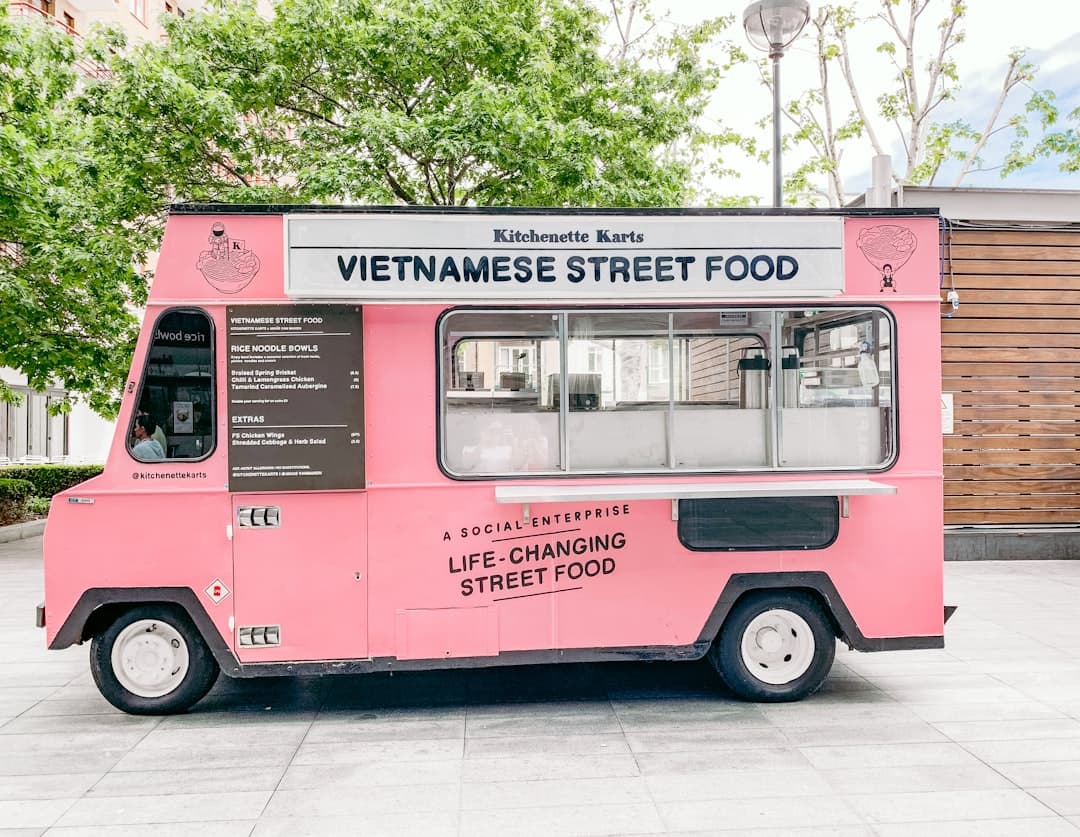
QR Codes for Food Trucks and Pop-Up Shops
How mobile businesses use QR codes for menus, payments, and building loyalty.

QR Codes for Construction and Job Sites
Safety docs, equipment manuals, inspection checklists, and access control via QR codes.

QR Codes for Nonprofits and Fundraising
How nonprofits use QR codes to simplify donations, boost event engagement, and connect supporters to their mission.
Stay up to date
Get the latest QR code tips, guides, and product updates delivered to your inbox.
No spam. Unsubscribe at any time.